
SHAREit
SHAREit is a free Windows app from the SHAREit Team for moving photos, videos and documents between a PC and a phone. The current version is 5.1.0.7.
22.7 MB

FileZilla is a free, cross-platform FTP client for moving files between your PC and a server. Version 3.71.0 is the current Windows release.
Average 0.0 · ratings: 0
Thank you! Your rating is saved; you can change it. Could not save the rating. Please try again later. Too many ratings from your network today. Please try again tomorrow. The average appears after 5 ratings.
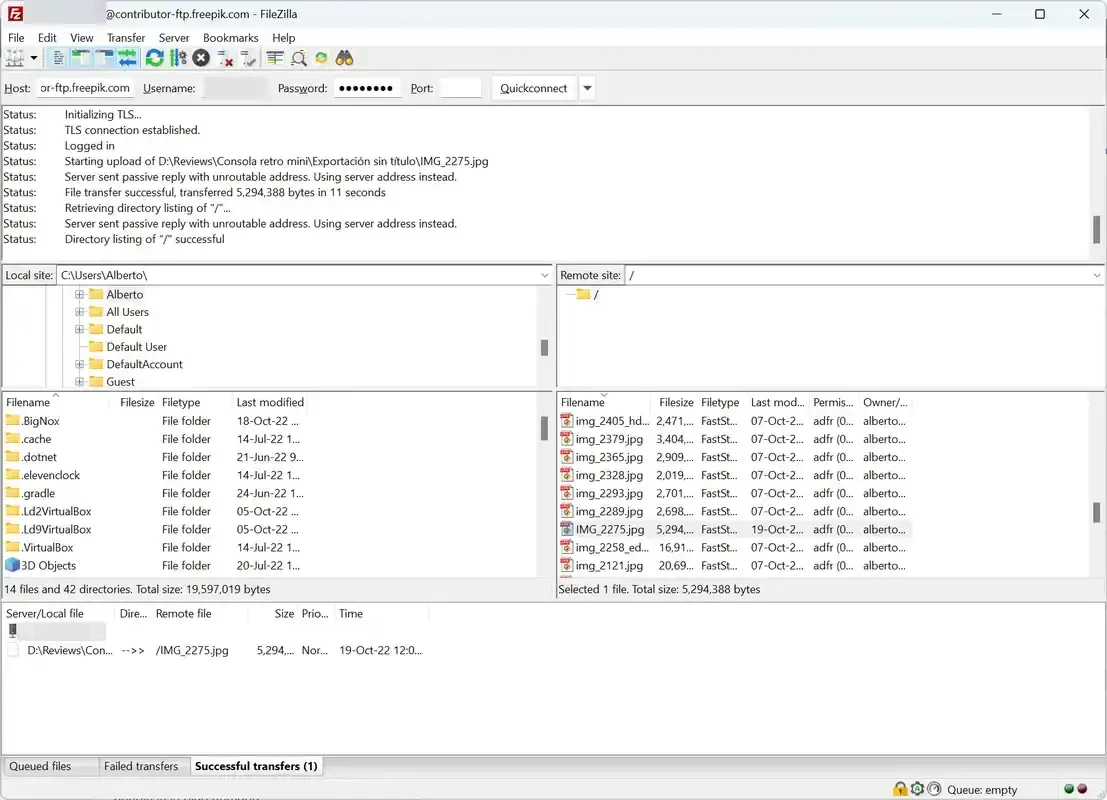
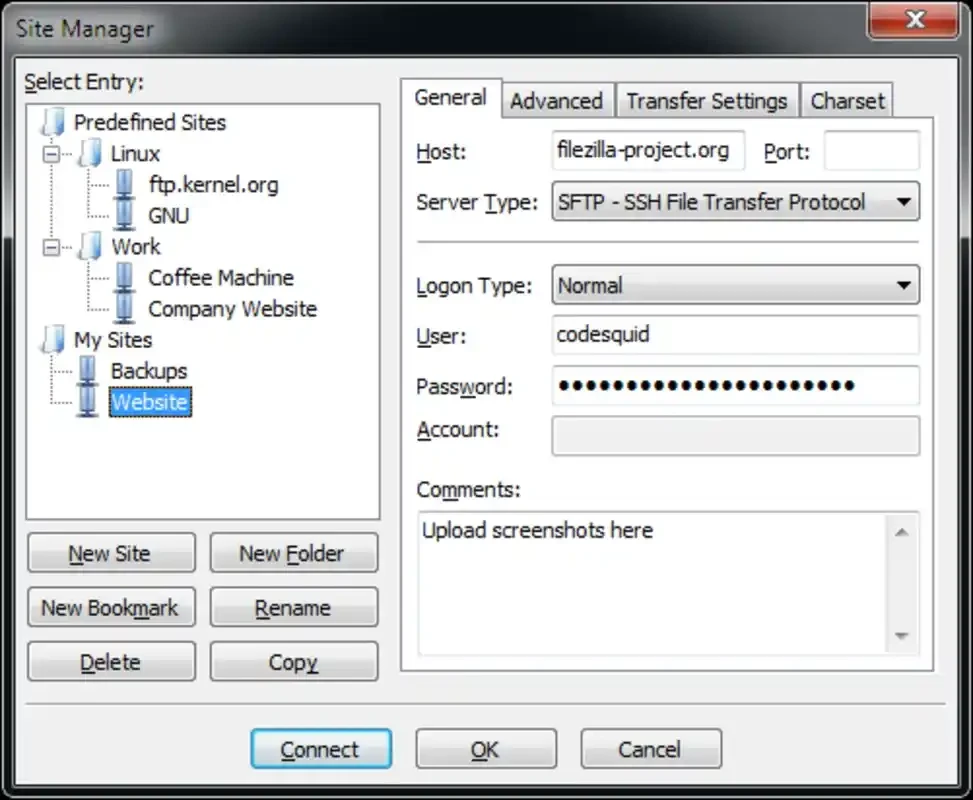
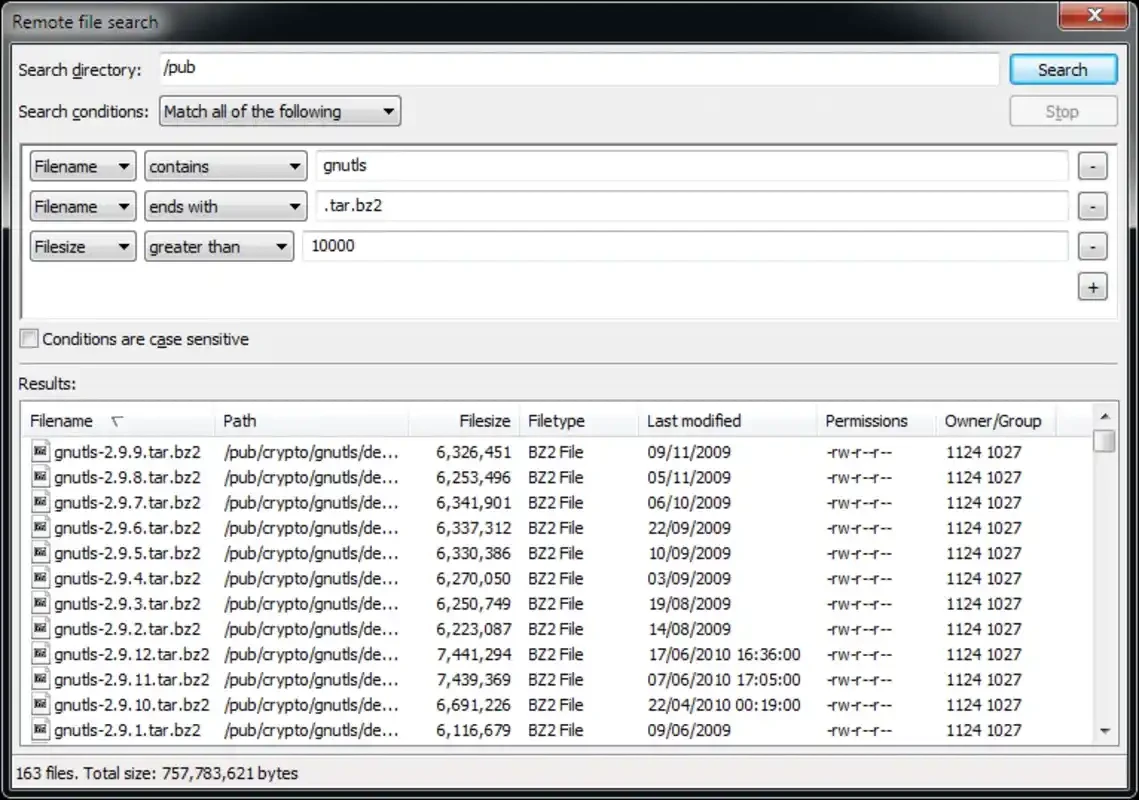
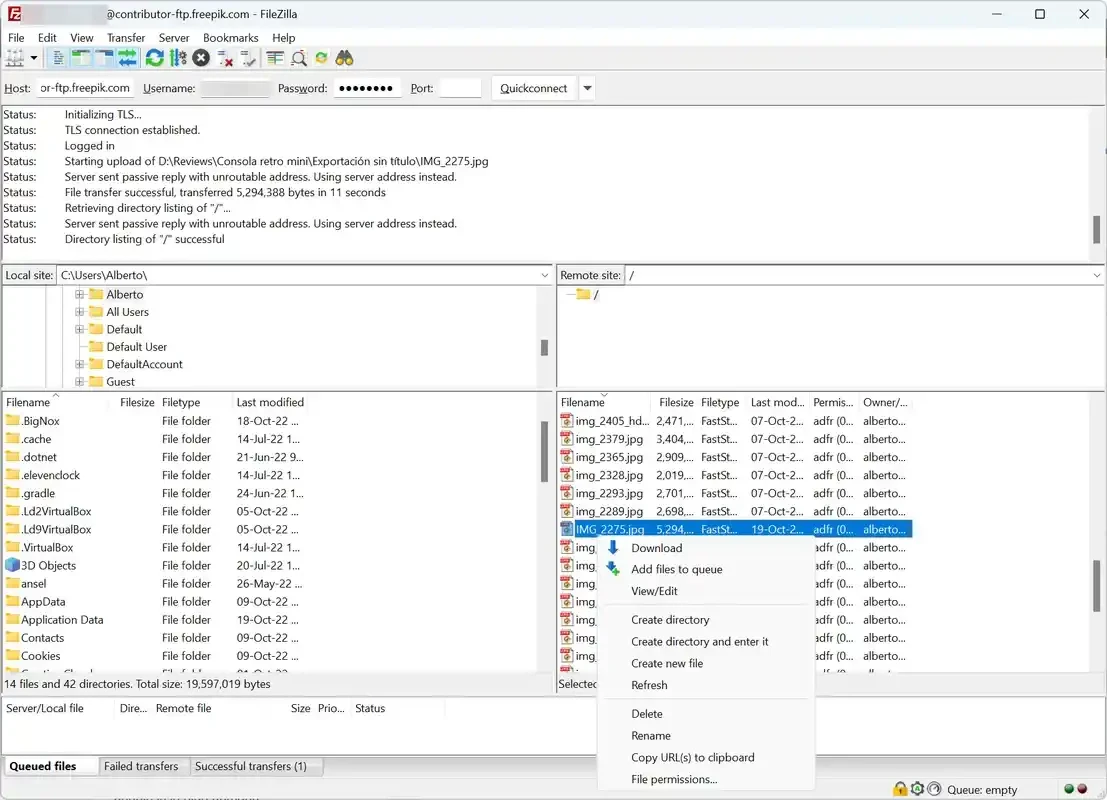
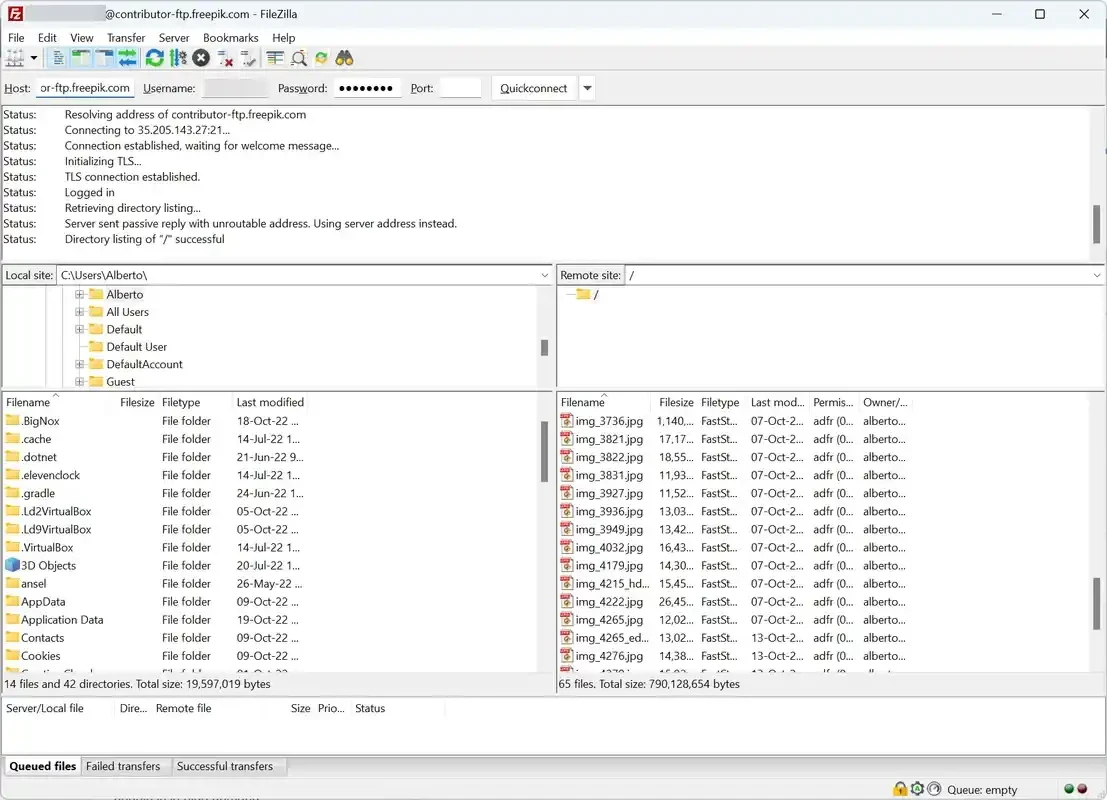
FileZilla 3.71.0 for Windows is the latest release of the free FTP client that moves files between your computer and a remote server. You can download it from the official FileZilla project site; this page sums up the key specs, the Windows versions it still supports and a few setup tips.
| Parameter | Value |
|---|---|
| Program | FileZilla (client) |
| Version | 3.71.0, released 19 August 2026 |
| Developer | Tim Kosse and the FileZilla project |
| Licence | Free, GNU GPL version 2.0 or later |
| Written in | C++ |
| Platforms | Windows, macOS, Linux, BSD |
| First release | 22 June 2001 |
| Download size | about 12.14 MB according to catalogue data |
FileZilla is a client for the File Transfer Protocol. You enter the address of a server, a user name and a password, and the window splits into two panes: the folders on your own disk on one side and the files on the server on the other. Dragging a file from one pane to the other uploads or downloads it, and a queue at the bottom shows what is still waiting, what has finished and what failed. Saved connections live in the Site Manager, so you do not have to retype server details every time. That workflow makes it a common choice for people who update websites by hand, move backups to a hosting account or swap large files with a colleague who runs a server. The project has been around since 2001 and keeps a steady release rhythm: several 3.70 updates came out between April and June 2026 before 3.71.0 arrived in August.
The program itself is open source and widely used. Risks come from two places: copies taken from random download sites and saved passwords. Get the installer only from the official site, and if your server supports encrypted connections, use them instead of plain FTP. Protect saved credentials with a master password in the settings.
From the same category in our listings: WinSCP, another file transfer client for Windows; MobaXterm, a terminal with built-in file transfer; and FileZilla Server if you need to host files rather than fetch them.
SHAREit is a free Windows app from the SHAREit Team for moving photos, videos and documents between a PC and a phone. The current version is 5.1.0.7.

Zapya for Windows is a free file transfer app from DewMobile for moving files between a PC and phones over a local wireless connection.

Easy Connection to Screen is Samsung's Windows app for showing a PC's screen on a compatible Samsung TV over a wireless connection.

Internet Download Manager (IDM) is a shareware download manager for Windows from Tonec that accelerates, resumes and schedules downloads.

uTorrent (μTorrent) is a small BitTorrent client for Windows from Rainberry (BitTorrent Inc) for downloading and sharing files over torrents.

AnyDesk is a remote desktop application for connecting to and controlling another computer over the internet, from a small Windows program.

ShareMe is Xiaomi's free app for sending files between devices without a cable; on Windows the Android app runs only inside an emulator.

Xender is a free file sharing app from the Xender File Sharing Team for sending files between phones and computers over a local connection.